Shimmering Focus
A distraction-free theme built for focus. Hides UI clutter, highlights your active content, and keeps your attention where it matters: on your writing.
pseudometa is credited as the original theme creator. Setup notes, fit assessments, and cautions below are Obsidian Mate editorial guidance. How we review resources
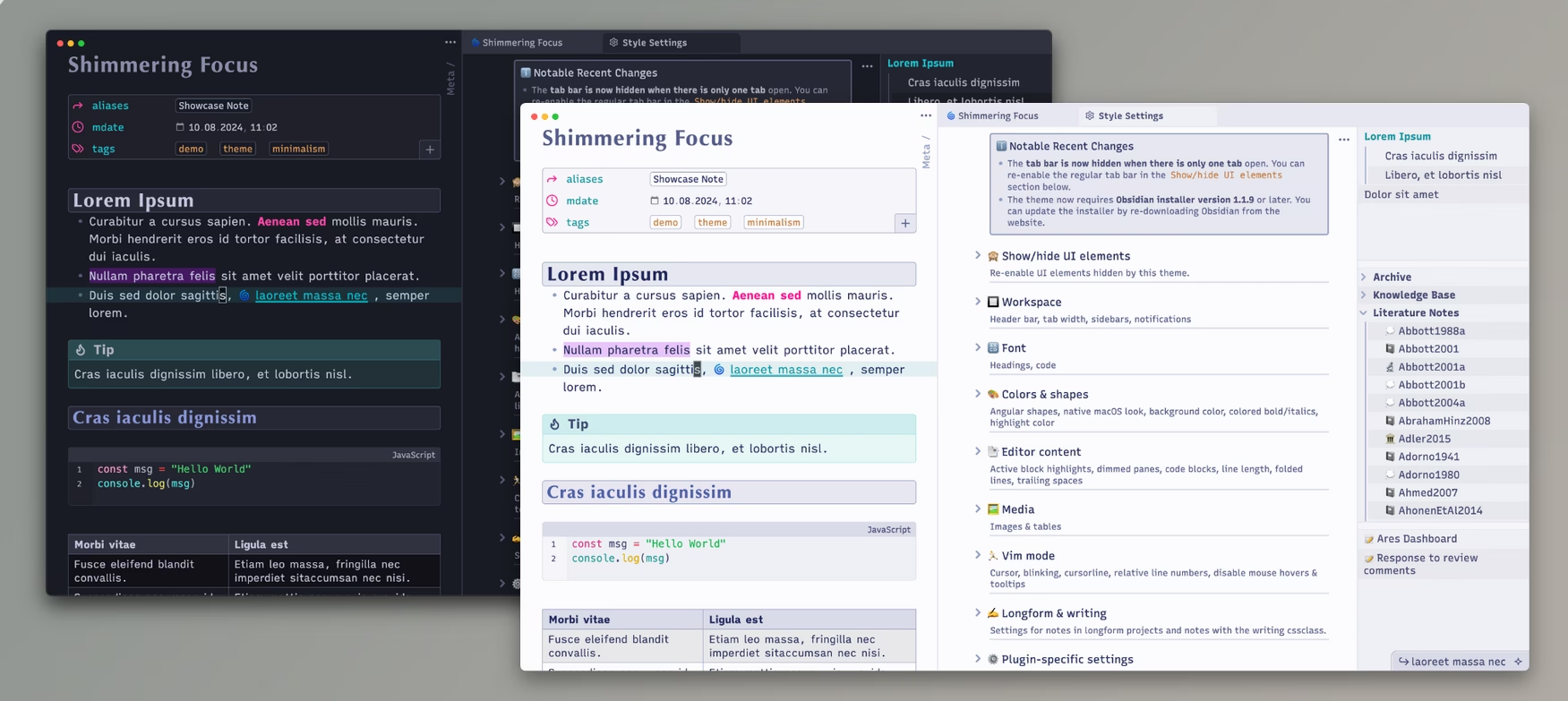
Overview
A distraction-free theme built for focus. Hides UI clutter, highlights your active content, and keeps your attention where it matters: on your writing. Shimmering Focus uses compact chrome, strong typographic structure, and focused editing layouts intended to keep attention on the active note. It serves keyboard-focused users who want dense information with careful typography and reduced distraction.
Key Features
- Shimmering Focus uses compact chrome, strong typographic structure, and focused editing layouts intended to keep attention on the active note.
- Supports dark and light appearance modes.
- Includes a repository-maintained visual preview for evaluating the theme before installation.
How to Install Shimmering Focus
- 1Open Obsidian Settings and select Appearance.
- 2Select Manage beside Themes, search for Shimmering Focus, and choose Install and use.
- 3Open representative notes in editing and reading view, then test every supported appearance mode.
- 4Add Style Settings only when the theme repository documents compatible controls.
How to Use Shimmering Focus
Install the theme, test your normal keyboard workflow, and use its documented Style Settings controls to adjust only the density and typography that affect readability.
Visual Character
Shimmering Focus uses compact chrome, strong typographic structure, and focused editing layouts intended to keep attention on the active note.
Who It Fits
It serves keyboard-focused users who want dense information with careful typography and reduced distraction.
Compatibility and Limits
- Compact information density can feel crowded on small screens, and its design choices may differ from users expecting stock Obsidian spacing.
- Retest personal CSS snippets after theme or Obsidian updates.
Customization
Install the theme, test your normal keyboard workflow, and use its documented Style Settings controls to adjust only the density and typography that affect readability. Customization should stay within controls and snippets documented by the theme project so future updates remain easier to troubleshoot.
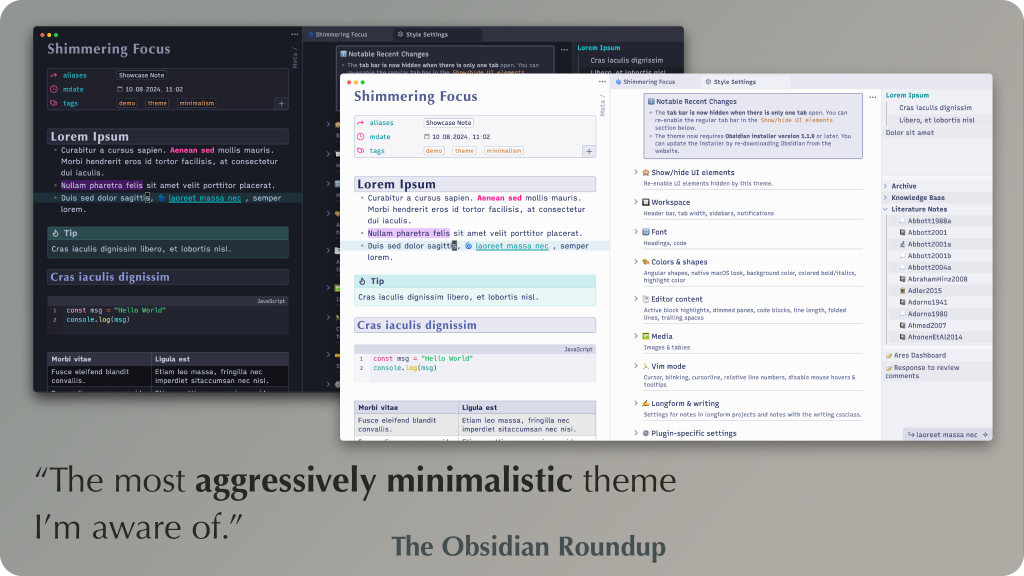
Repository Screenshots & Visual Preview
Rich preview screenshots and visual assets extracted directly from the official GitHub repository for Shimmering Focus:
Details
- Modes
- Dark & Light
Sources and Documentation
This guide was checked against the creator's repository and primary documentation.
Recommended Vault Templates & Plugin Combinations
Pair Shimmering Focus with pre-configured vault templates and recommended community plugins to complete your second brain setup:
Recommended Vault Templates
- Ideaverse (LYT Starter Vault)
Gold standard PKM vault setup by Nick Milo.
- PARA Starter Kit Vault
Tiago Forte's PARA method starter setup.
- Zettelkasten Starter Vault
Structured note-linking vault template for research.
Recommended Plugins
- Style Settings Plugin
Graphical customization menu for themes & CSS.
- Dataview Plugin
Database query views & dynamic dashboards.
- Templater Plugin
Dynamic template engine for automated note creation.
Related Obsidian Themes
Minimal
The most popular Obsidian theme - clean, content-focused, and endlessly customizable.
Things
Inspired by the Things 3 app. A beautiful, minimal theme with clean typography, subtle accents, and excellent readability in both light and dark modes.
Border
A modern, clean theme with distinctive bordered UI elements. Highly customizable with multiple color schemes and layout options.
Obsidian Nord
The Arctic-inspired Nord color palette for Obsidian. Clean, icy blues and frosted whites for a calm, focused writing environment.
Related Guides

Explore more Obsidian resources
Discover more plugins, themes, templates, and starter vaults to build your perfect Obsidian setup.