Best Obsidian Vault Templates & Examples

An Obsidian vault template is a pre-configured starter kit with structured folders, note layouts, and essential plugins. Instead of building your setup from scratch, explore starter vaults for proven frameworks like Nick Milo's LYT, Tiago Forte's PARA, and Zettelkasten.

Browse free Obsidian vault templates and top Obsidian vault examples for academic research, personal journaling, project management, and PKM. Each starter kit is 100% free to download as a ZIP archive or clone via GitHub to jumpstart your custom Obsidian setup and Obsidian workflow.

Our selection favors vaults with a visible source repository, explainable folder contents, documented dependencies, a clear intended audience, and setup caveats. A cover image or a long plugin list is not enough on its own. Open a candidate in a separate test vault, inspect the files, and adopt only the conventions that fit your notes.

Want to build a custom vault layout step-by-step? Try our free Obsidian Vault Builder Tool or read our guide on Using Claude Code with Your Obsidian Vault.

Best Obsidian Vault Templates

Curated top starter vaults designed for maximum productivity and effortless PKM onboarding.

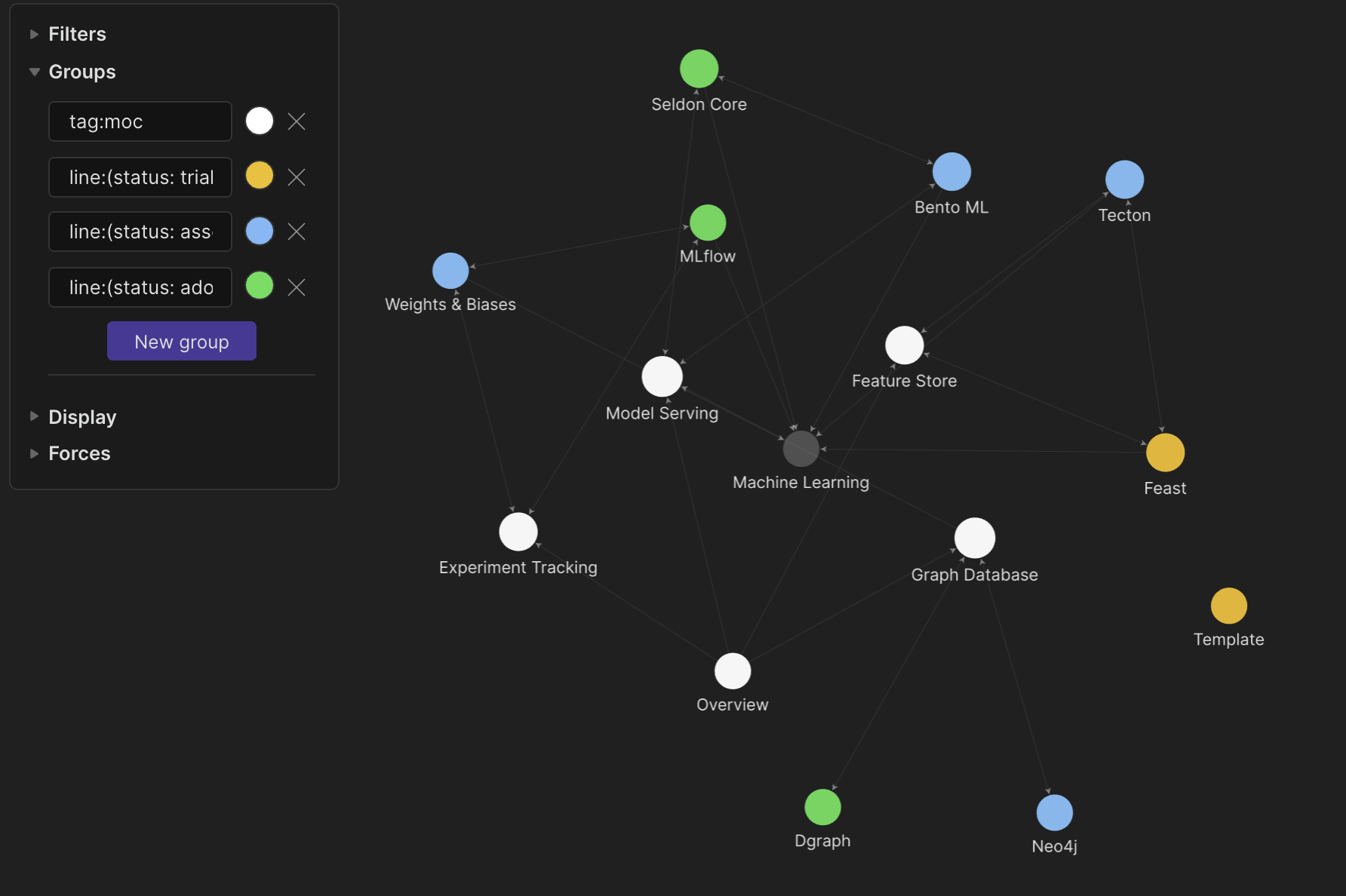
Ideaverse for Obsidian preview

Ideaverse for Obsidian

Intermediate Complexity

by Nick Milo

Designed for: Building a comprehensive personal knowledge management (PKM) system

Main Use Case: Second Brain & Maps of Content (MOCs)

Key Features: MOC templates, home notes, daily notes, periodic review workflows

Key Plugins: Dataview, Templater, Periodic Notes

PARA Starter Kit preview

PARA Starter Kit

Beginner Complexity

by cotemaxime

Designed for: Organizing notes by actionability using Tiago Forte's PARA method

Main Use Case: Projects, Areas, Resources, and Archives organization

Key Features: Pre-configured folder structure, template files, project dashboards

Key Plugins: Dataview, Templater

Zettelkasten Starter Vault preview

Zettelkasten Starter Vault

Intermediate Complexity

by groepl

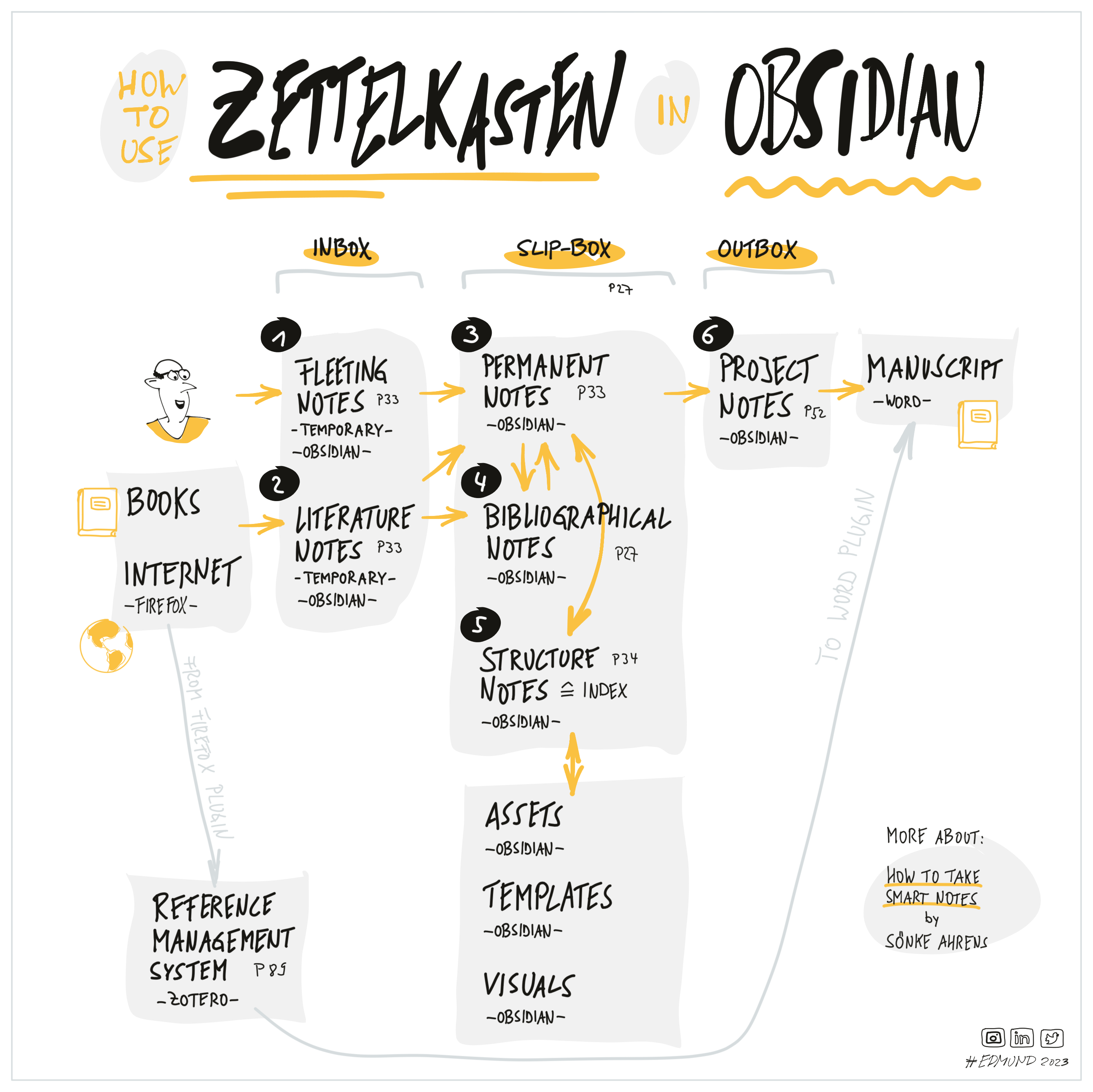
Designed for: Implementing Niklas Luhmann's Zettelkasten note-taking system

Main Use Case: Atomic note taking, literature notes, and permanent connected knowledge

Key Features: Fleeting notes, literature notes, permanent notes, index notes

Key Plugins: Dataview, Tag Wrangler

Obsidian Student Vault preview

Obsidian Student Vault

Advanced Complexity

by chrisgrieser

Designed for: Students, academics, and active researchers

Main Use Case: Lecture note-taking, research paper management, and study flashcards

Key Features: Zotero citation integration, Spaced Repetition flashcards, lecture templates

Key Plugins: Zotero Integration, Spaced Repetition, Dataview

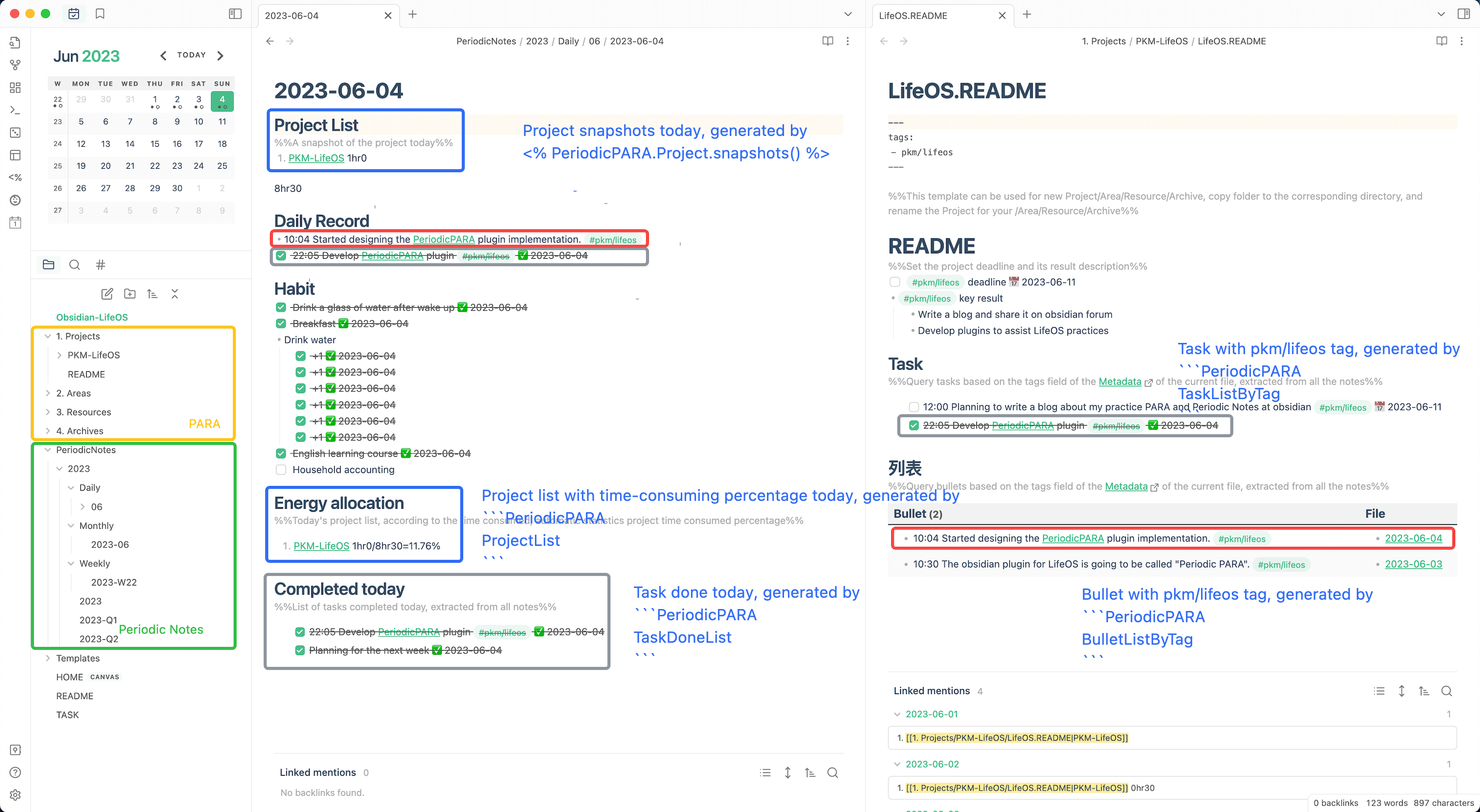
Life OS Vault preview

Life OS Vault

Intermediate Complexity

by thejourneyofbabo

Designed for: All-in-one personal management and daily productivity

Main Use Case: Goal tracking, habit tracking, project planning, and daily reviews

Key Features: Daily/weekly review templates, habit trackers, goal dashboards

Key Plugins: Dataview, Tasks, Templater

Research Vault Template preview

Research Vault Template

Intermediate Complexity

by sholtomaud

Designed for: Academic literature tracking and research note synthesis

Main Use Case: Literature reviews, atomic notes, and research progress tracking

Key Features: MOC note patterns, literature templates, Dataview research trackers

Key Plugins: Dataview, Templater

Which Obsidian Vault Template Should You Choose?

The best Obsidian vault template depends directly on your personal goals and preferred organization system. Use this quick decision matrix to find the exact starter vault for your workflow:

Goal / WorkflowSystem & MethodRecommended Vault
Second Brain & PKMLYT / MOCsIdeaverse for Obsidian
PARA Method OrganizationPARA (Projects, Areas, Resources, Archives)PARA Starter Kit
Zettelkasten Note TakingAtomic Notes & Literature NotesZettelkasten Starter Vault
Students & Academic StudyLecture Notes & Spaced RepetitionObsidian Student Vault
Academic Research & PapersLiterature Reviews & MOCsResearch Vault Template
Productivity & Life OSGTD & Habit TrackingLife OS Vault
Task & Project ManagementDataview & Tasks QueriesTasks Plugin Demo Vault
Writing & Note TemplatesModular Note FormattingTemplate of Templates
Clean & Distraction-FreeMinimalist Starter LayoutMinimal Mistakes Vault
Personal Finance & BudgetingExpense DashboardsPersonal Finance Vault
Obsidian DocumentationCommunity Knowledge BaseObsidian Hub

Obsidian Vault Examples

Studying real-world Obsidian vault examples is one of the fastest ways to improve your note-taking setup. By inspecting existing community vaults, you can learn how experienced users organize folders, structure YAML frontmatter and note properties, tag topics, write Dataview queries, build custom dashboard MOCs, and configure community plugins.

40 Rules of Internet (Example Vault)

by kepano

Note properties, Dataview queries, and clean minimal layouts

See how the creator of Minimal structures clean frontmatter, properties, and embedded search queries without plugin bloat.

Blue Topaz Example Vault

by Whyl / PKM-er

Custom dashboards, visual styling, and CSS snippets

Explore advanced dashboard design, visual callout boxes, custom CSS layouts, and aesthetic note structuring.

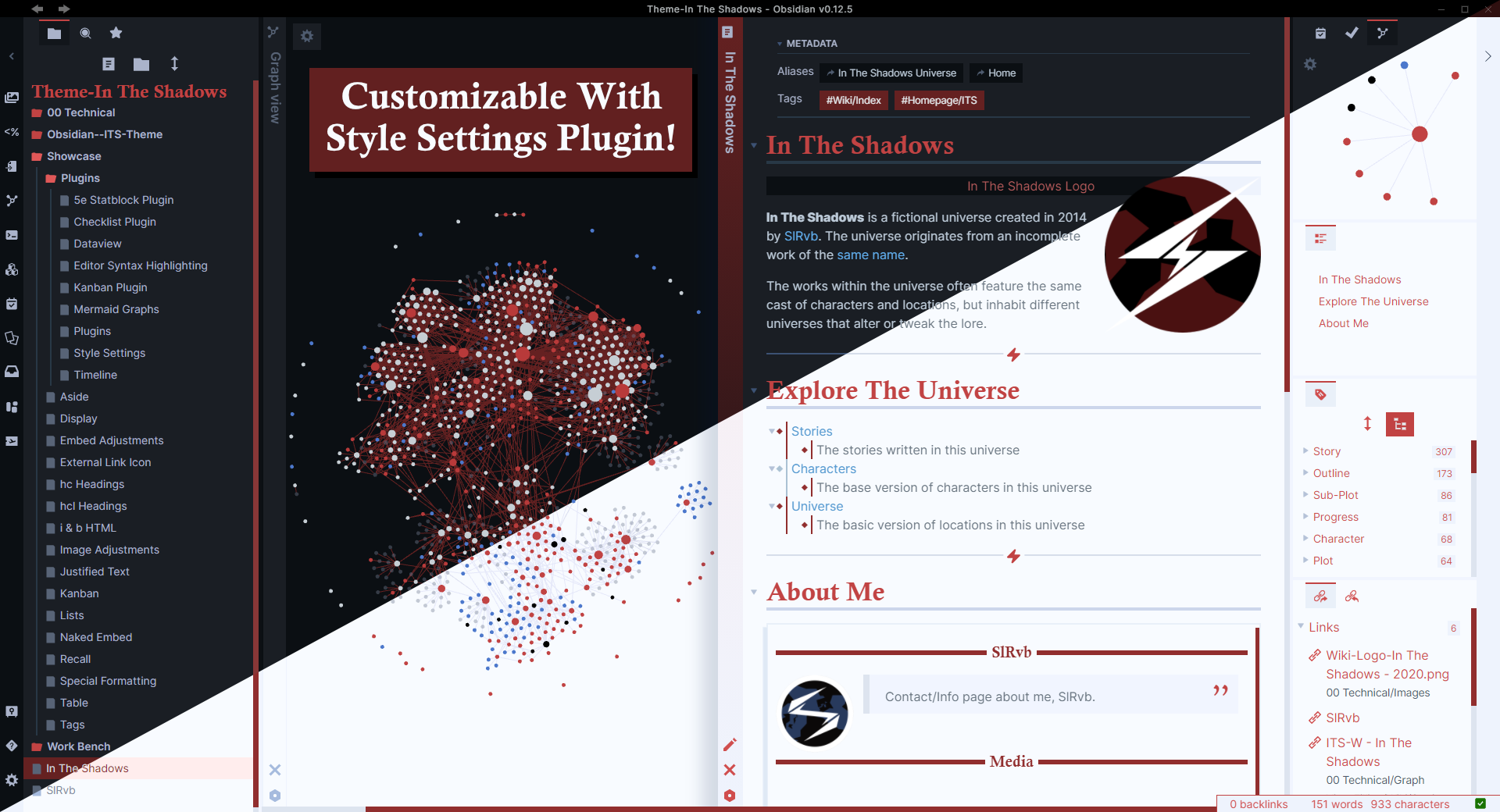
ITS Theme Documentation Vault

by SlRvb

Custom callouts, image formatting, and Kanban boards

Learn how to build visual note layouts using custom callout tags, multi-column CSS grids, and Kanban board workflows.

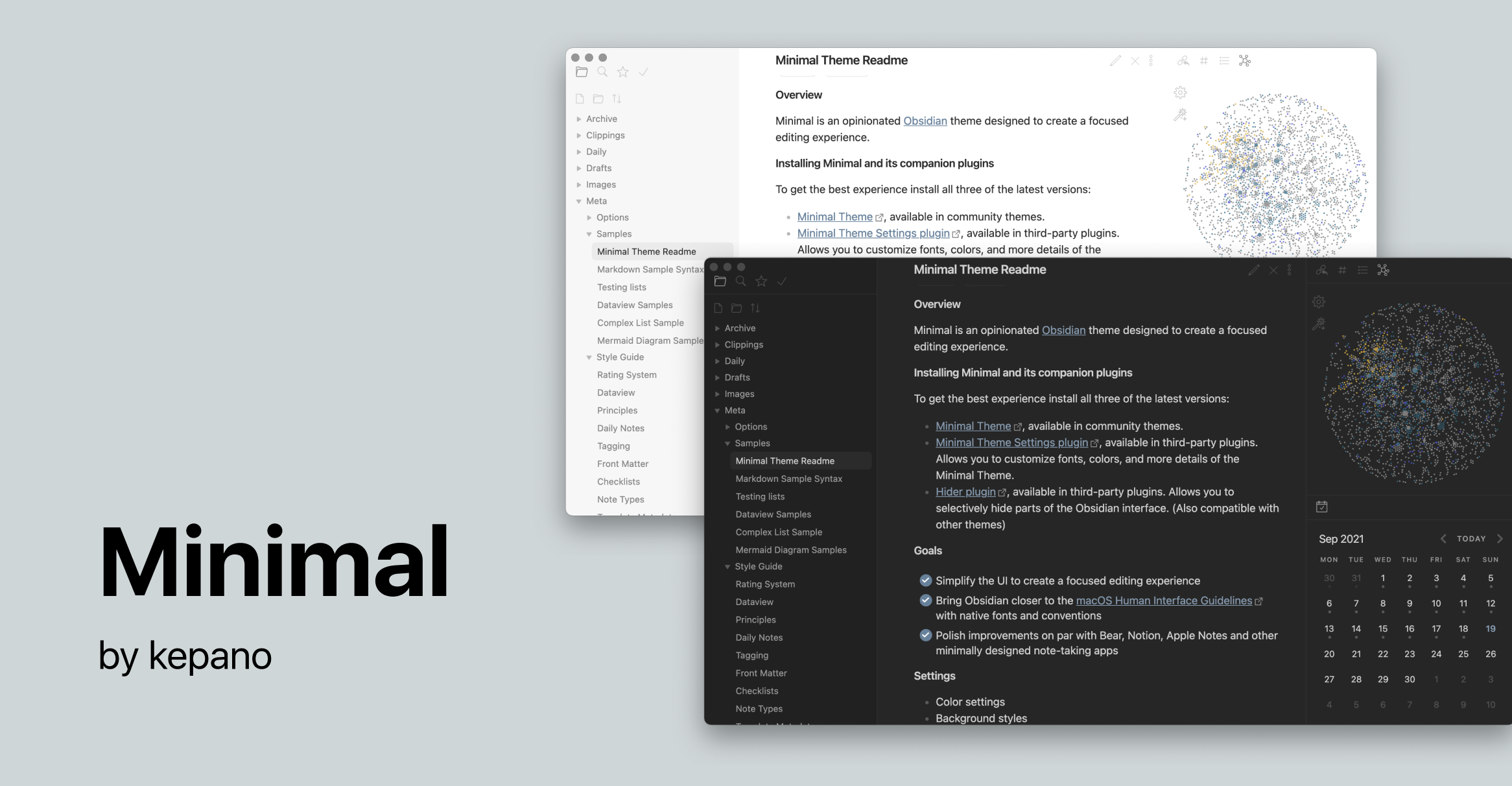
Minimal Theme Demo Vault

by kepano

Card layouts, image grids, and typography styling

Study clean note formatting, Style Settings integration, sub-folder navigation, and distraction-free writing environments.

Tasks Plugin Demo Vault

by obsidian-tasks-group

Task management queries, priority levels, and recurring dates

Inspect real-world task queries, filters, priority tagging, and automated project task lists across daily notes.

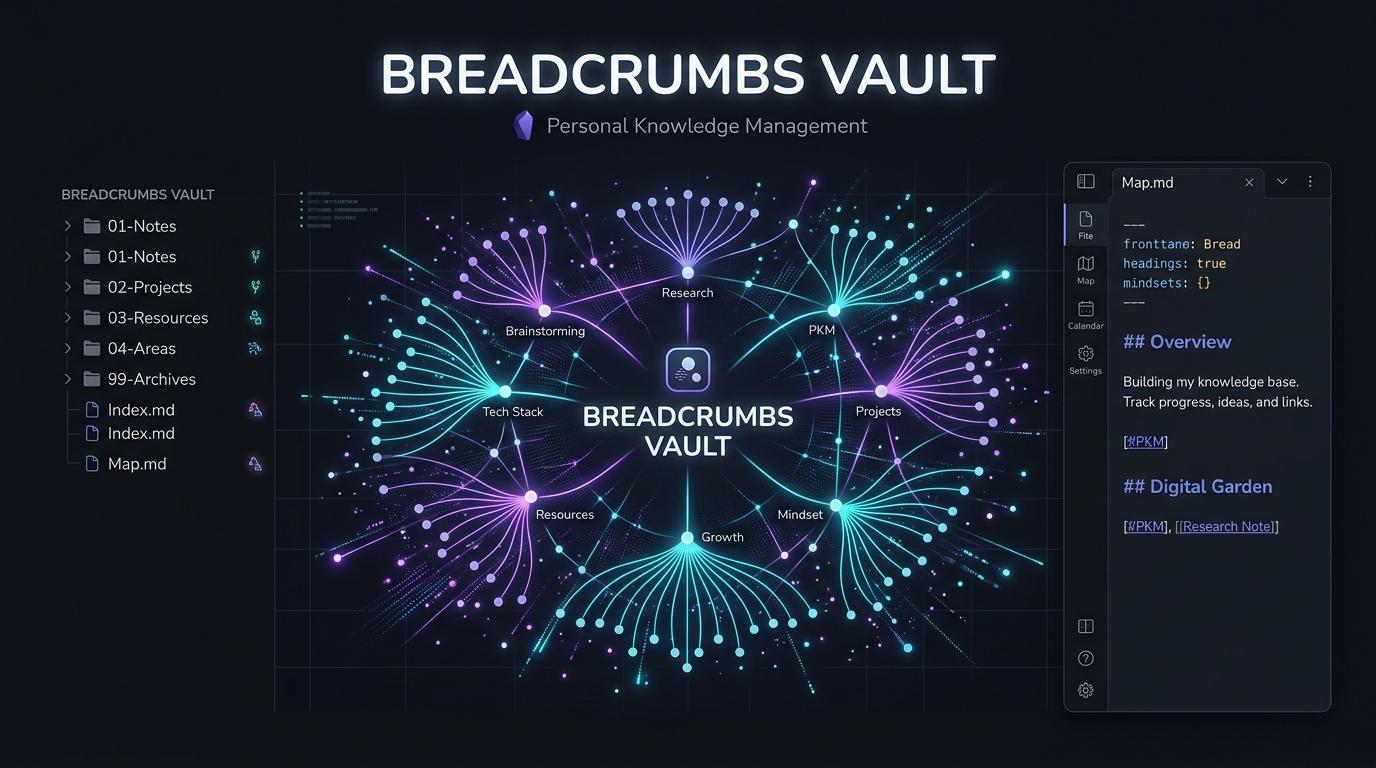
Breadcrumbs Demo Vault

by SkepticMystic

Hierarchy navigation, parent/child linking, and matrix views

Discover how to model complex relationships between notes using custom hierarchy fields, trail views, and visual graphs.

Compare Obsidian Vault Templates

Compare core parameters of top starter vault templates to find the right balance of structure, complexity, and feature set:

VaultBest ForSystem / MethodComplexityKey Features
IdeaverseSecond Brain & PKMLYT / Maps of ContentIntermediateMOCs, home notes, periodic reviews
PARA Starter KitActionable OrganizationPARA MethodBeginnerProjects, Areas, Resources, Archives folders
Zettelkasten StarterAtomic Note ConnectionsZettelkasten MethodIntermediateFleeting, literature, permanent & index notes
Student VaultStudents & AcademicsAcademic ZettelkastenAdvancedZotero integration, Spaced Repetition flashcards
Life OS VaultDaily Productivity & GoalsGTD & Habit OSIntermediateHabit trackers, weekly reviews, goal dashboards
Research VaultAcademic ResearchLiterature Notes & MOCsIntermediateLiterature templates, atomic research notes
Template of TemplatesNote Layout StartersModular LayoutsBeginnerMeeting notes, book notes, project logs
Minimal Mistakes VaultDistraction-Free WritingMinimalist SetupBeginnerClean typography, simple folder tree, no bloat

How to Import & Use a Downloaded Vault (Vault Setup Guide)

Getting started with Obsidian vault examples and starter kits? Follow these 3 simple steps to load any downloaded vault archive:

  1. 1

    Download & Extract

    Download and extract the .zip vault archive to your computer.

  2. 2

    Open Folder as Vault

    Open Obsidian and select "Open folder as vault" in the vault picker dialog.

  3. 3

    Select Folder Location

    Select the extracted folder location to complete your vault setup and start taking notes.

All Obsidian Vaults

Showing 21 of 21 vaults

Ideaverse for Obsidian GitHub preview

Ideaverse for Obsidian

Template

by Nick Milo

PKM System#second brain#pkm#getting started#productivity

The gold-standard Linking Your Thinking (LYT) starter vault. Designed by Nick Milo, Ideaverse provides a flexible framework built around Maps of Content (MOCs), home note hubs, and fluid note creation for building a lifelong second brain.
Obsidian Hub GitHub preview

Obsidian Hub

by Obsidian Community

Community & Docs#getting started#community#documentation#learning

The community-maintained knowledge base for everything Obsidian. Contains complete documentation, plugin guides, theme showcases, workflow tips, and community resources inside an offline-accessible Obsidian vault.

Blue Topaz Example Vault GitHub preview

Blue Topaz Example Vault

Template

by Whyl / PKM-er

Theme Showcase#aesthetics#customization#getting started#theme

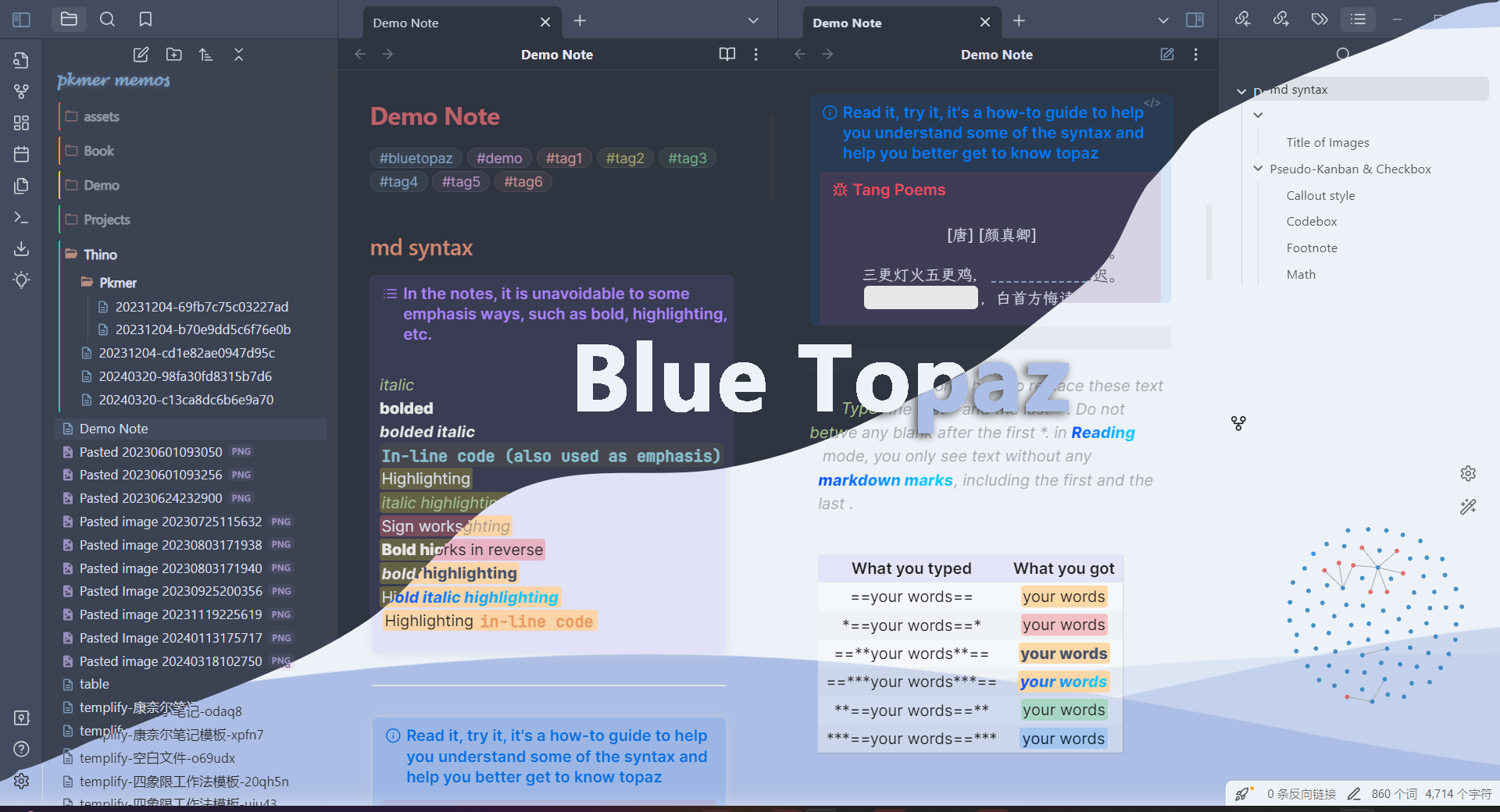
A feature-packed demonstration vault showcasing the aesthetic capabilities of the Blue Topaz theme. Includes multi-column CSS layouts, custom callouts, dashboard setups, and Dataview queries.

Obsidian Starter Templates GitHub preview

Obsidian Starter Templates

Template

by masonlr

Starter Templates#getting started#second brain#productivity#zettelkasten

A versatile starter vault collection containing practical templates for Zettelkasten, PARA, GTD, journaling, and literature notes. Includes Kanban board configs and citation note structures.

ITS Theme Documentation Vault GitHub preview

ITS Theme Documentation Vault

by SlRvb

Theme Showcase#aesthetics#customization#css#theme

The official documentation and demo vault for SlRvb's In The Shadows (ITS) Theme. Packed with live examples of 40+ callout types, image grid adjustments, Kanban card styling, and alternate color schemes.

PARA Starter Kit GitHub preview

PARA Starter Kit

Template

by cotemaxime

PKM System#second brain#productivity#getting started#organization

An Obsidian vault template implementing Tiago Forte's PARA method (Projects, Areas, Resources, Archives). Features pre-configured folder hierarchies, project note templates, and resource index workflows.

40 Rules of Internet (Example Vault) GitHub preview

40 Rules of Internet (Example Vault)

by kepano

Example Vault#minimal#getting started#second brain#example

A minimal example vault by Steph Ango (creator of the Minimal theme). Demonstrates clean frontmatter schemas, Dataview queries, and distraction-free writing patterns.

Zettelkasten Starter Vault GitHub preview

Zettelkasten Starter Vault

Template

by groepl

PKM System#second brain#zettelkasten#pkm#getting started

A starter vault implementing Niklas Luhmann's Zettelkasten method in Obsidian. Features fleeting notes, literature note templates, permanent atomic notes, and literature map visualizations.

Tasks Plugin Demo Vault GitHub preview

Tasks Plugin Demo Vault

by obsidian-tasks-group

Plugin Demo#productivity#tasks#project management#getting started

The official demo vault for the Obsidian Tasks plugin. Features task query syntax examples, due date filters, recurring task rules, priority sorting, and project management workflows.

Minimal Theme Demo Vault GitHub preview

Minimal Theme Demo Vault

by kepano

Theme Showcase#minimal#aesthetics#theme#customization

The official demo vault for the Minimal theme by Steph Ango. Showcases card view tables, media tracking layouts, progress bars, custom callout styles, and Style Settings configurations.

Template of Templates GitHub preview

Template of Templates

Template

by AnthonyBaker

Starter Templates#getting started#productivity#template#writing

A massive library of modular Markdown templates for meetings, project charters, daily journals, weekly reviews, book notes, and media logs ready to copy into your vault.

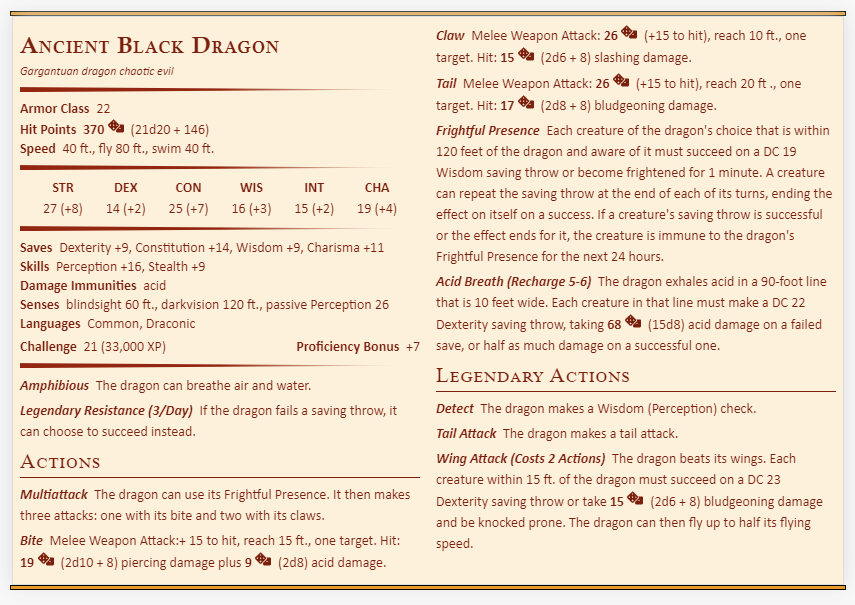
D&D Obsidian Vault GitHub preview

D&D Obsidian Vault

Template

by valentine195

Use Case#creativity#gaming#world-building#second brain

A complete Dungeons & Dragons campaign management vault. Track player characters, NPCs, locations, monster statblocks, session recaps, and campaign lore using linked notes and Dataview.

Obsidian Student Vault GitHub preview

Obsidian Student Vault

Template

by chrisgrieser

PKM System#academic#research#getting started#second brain

An academic study vault built for university students and researchers. Features lecture note templates, literature review workflows, Zotero citation management, and Spaced Repetition flashcard syntax.

Personal Finance Vault GitHub preview

Personal Finance Vault

Template

by Pamela Wang

Use Case#productivity#finance#organization#dashboard

A privacy-focused financial management vault template. Track expenses, monthly budgets, net worth calculations, and annual financial reviews using local Markdown files and Dataview queries.

Life OS Vault GitHub preview

Life OS Vault

Template

by quanru

PKM System#second brain#productivity#getting started#gtd

An award-winning (2024 GOTY 3rd Place) Life Operating System for Obsidian. Merges Tiago Forte's PARA method with Periodic Notes (daily/weekly/monthly reviews) and habit tracking dashboards.

Research Vault Template GitHub preview

Research Vault Template

Template

by sholtomaud

PKM System#research#academic#pkm#second brain

A structured vault built for researchers and academics conducting literature reviews. Features atomic claim extraction templates, paper summary notes, and MOC literature maps.

Breadcrumbs Demo Vault GitHub preview

Breadcrumbs Demo Vault

by SkepticMystic

Plugin Demo#visualization#linking#second brain#pkm

The official demo vault for the Breadcrumbs plugin. Shows how to build typed note relationships (up/down/next/prev) and visualize knowledge graphs with Trail Views and Matrix tables.

Minimal Mistakes Vault GitHub preview

Minimal Mistakes Vault

Template

by kepano

Starter Templates#minimal#aesthetics#getting started#clean

A clean, non-bloated starter vault by Steph Ango (creator of the Minimal theme). Designed for distraction-free writing, sensible defaults, and simple note structures without unnecessary plugins.

Kepano's Obsidian Vault GitHub preview

Kepano's Obsidian Vault

Template

by Kepano

Starter Templates#vault#configuration#css#open source

The open-source Obsidian vault configuration published in the kepano-obsidian repository.

Minimal Second Brain Vault GitHub preview

Minimal Second Brain Vault

Template

by voidashi

Second Brain#vault#second brain#starter#minimal

A lightweight second-brain starter vault published in the voidashi obsidian-vault-template repository.

Developer Obsidian Vault GitHub preview

Developer Obsidian Vault

Template

by anayatkhan1

Professional Workflows#vault#developer#technical notes#starter

A developer-oriented Obsidian vault published in the anayatkhan1 Obsidian_vault repository.

Frequently Asked Questions

What is an Obsidian vault template?

An Obsidian vault template is a pre-configured directory containing folder structures, note templates, settings, and recommended community plugins. It provides a ready-to-use starting point for note-taking methods like Zettelkasten, PARA, or GTD without needing to build your setup from scratch.

Where can I find Obsidian vault templates?

You can find curated Obsidian vault templates right here on ObsidianMate. We index top community starter kits, GitHub repositories, and workflow frameworks, all available to download for free as ZIP archives or clone via Git.

What is the best Obsidian vault template?

The best Obsidian vault template depends on your primary goal. For a comprehensive Second Brain, Nick Milo's Ideaverse (LYT) is widely regarded as the gold standard. For structured project organization, the PARA Starter Kit is ideal. For academic study, the Obsidian Student Vault is recommended.

Can I customize an Obsidian vault template?

Yes. Obsidian vaults are composed entirely of plain Markdown files (.md) and local configuration settings (.obsidian). You can freely rename folders, modify templates, install or remove plugins, add custom CSS themes, and tailor the vault to your personal workflow.

What should an Obsidian vault contain?

A well-structured Obsidian vault typically contains an organized folder tree (such as PARA or MOCs), a templates directory for consistent note creation, a core index or home note, daily/periodic note logs, and relevant community plugins like Dataview or Templater.

Are Obsidian vault templates free?

Yes. All Obsidian vault templates featured on ObsidianMate are 100% free and open-source. You can download the ZIP archive directly or clone the GitHub repository into your local file system.