Developer Obsidian Vault
A developer starter vault preserved as a complete vault download rather than a note template.
anayatkhan1 is credited as the original vault creator. Setup notes, fit assessments, and cautions below are Obsidian Mate editorial guidance. How we review resources
What Is Developer Obsidian Vault?
This resource is a complete developer-oriented vault repository, not a standalone note template. The canonical page retains the original author, source, and archive link while explaining how to inspect it safely before adopting its files or conventions in an existing engineering notebook.
What's Inside This Vault
The actual directory structure, dashboards, and core folders included in this vault:
Developer note folders
Repository folders intended for technical notes, references, and engineering knowledge management.
Templates and configuration
Included files that demonstrate how the author organizes recurring developer notes and vault behavior.
Key Features
Technical knowledge workspace
A starting environment for organizing code notes, references, and development context.
Inspectable repository structure
Makes the included files visible so developers can adopt selected patterns instead of copying blindly.
How This Vault Works
The practical workflow for using this vault in your day-to-day note-taking:
- 1Open the repository separately and inventory its folders, templates, and settings.
- 2Create a small project note and test the included conventions against your development workflow.
- 3Copy reviewed folders or templates into another vault only after preserving a backup.
Who Is This Vault For?
- Developers building a technical knowledge vault
- Users comparing community approaches to code and project notes
How to Install Developer Obsidian Vault
- 1Download or clone the repository into a new folder.
- 2Open it as a separate Obsidian vault and inspect all included files.
- 3Copy only the folders or templates you understand into another vault, preserving a backup first.
Main use cases
- Testing a developer note workspace
- Reviewing code-note organization
- Starting a separate technical knowledge vault
Things to Know Before Using It
- Repository content is community-maintained and should be reviewed before use.
- Do not merge the archive directly over the only copy of an existing vault.
Sources and Documentation
This guide was checked against the creator's repository and primary documentation.
Related Obsidian Vaults
Related Guides

Obsidian Properties: The Complete Guide
Master Obsidian Properties from zero to expert: YAML frontmatter, every property type, Bases, Dataview, templates, naming conventions, real-world examples, and performance tips for large vaults.

How to Choose AI Skills for Obsidian
A practical framework for choosing, testing, and safely installing AI agent skills for an Obsidian vault. Browse the maintained AI skills directory for the current catalog.
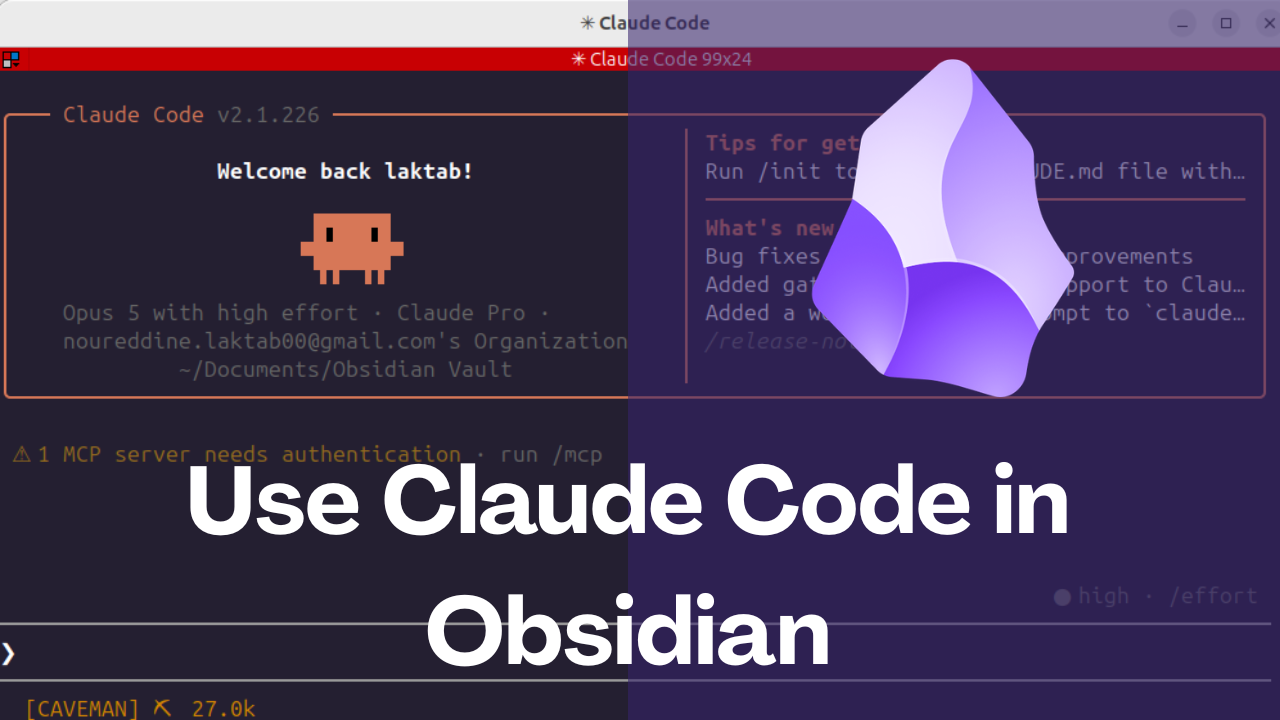
How to Safely Use Claude Code With an Obsidian Vault
Open an Obsidian vault in Claude Code, run one controlled note task, review file changes, and set safe boundaries before broader automation.
Explore more Obsidian resources
Discover more plugins, themes, templates, and starter vaults to build your perfect Obsidian setup.