Wikipedia
Turn your vault into a personal wiki that looks like Wikipedia. Clean, encyclopedic layout with familiar styling for knowledge bases.
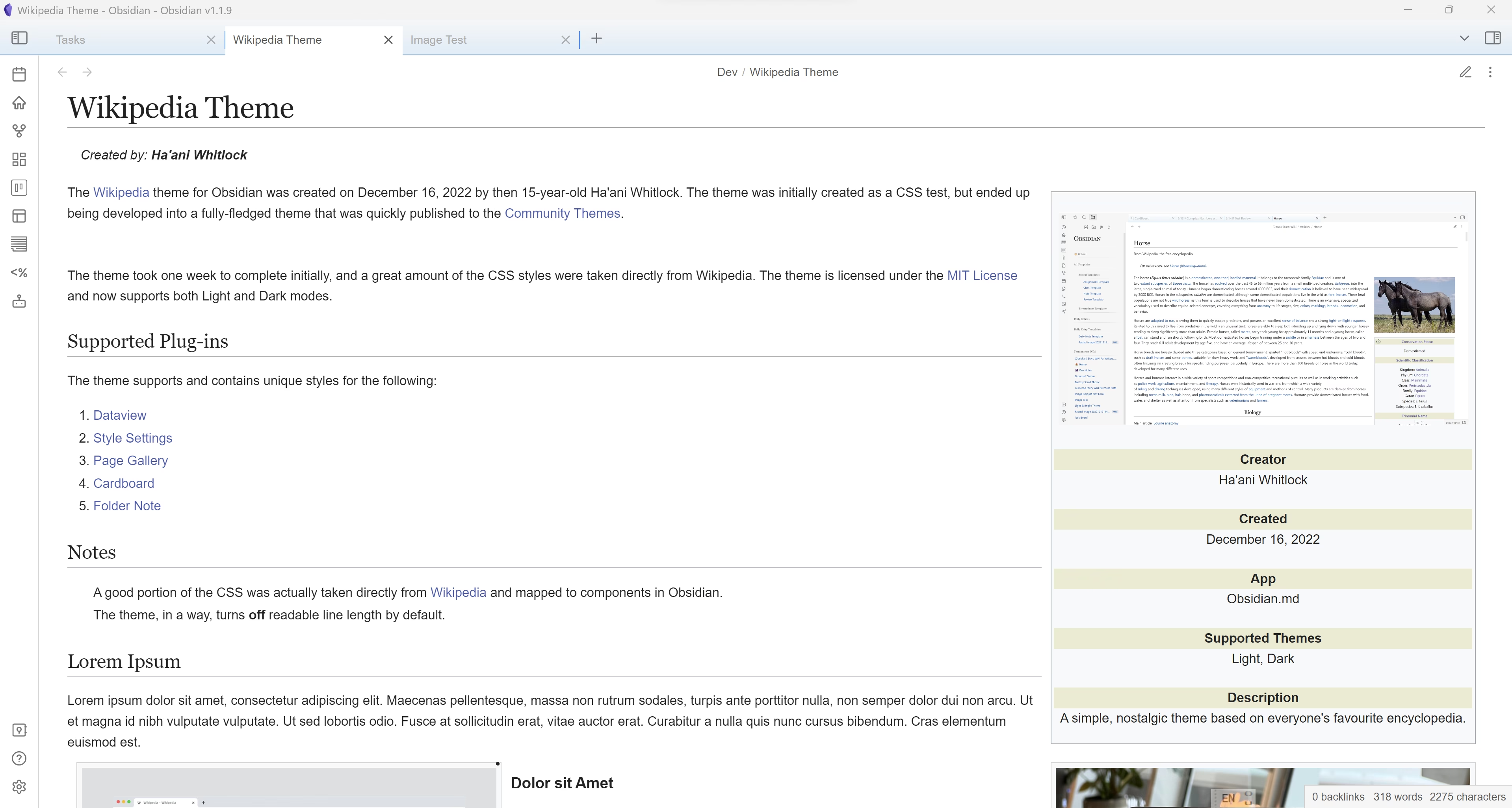
Overview
Turn your vault into a personal wiki that looks like Wikipedia. Clean, encyclopedic layout with familiar styling for knowledge bases.
How to Install Wikipedia
- 1In Obsidian, open Settings → Appearance.
- 2Under Themes, click Manage and then Browse.
- 3Search for Wikipedia, then click Install and use.
- 4Optionally install the Style Settings plugin to customize it.
Details
- Modes
- Dark & Light
Related Obsidian Themes
Minimal
The most popular Obsidian theme — clean, content-focused, and endlessly customizable.
Things
Inspired by the Things 3 app. A beautiful, minimal theme with clean typography, subtle accents, and excellent readability in both light and dark modes.
Primary
A playful, colorful theme inspired by Google's Material Design. Features bright accent colors, clean icons, and excellent readability for a fresh, modern look.
Shimmering Focus
A distraction-free theme built for focus. Hides UI clutter, highlights your active content, and keeps your attention where it matters: on your writing.
Related Guides
Explore more Obsidian resources
Discover more plugins, themes, templates, and starter vaults to build your perfect Obsidian setup.