Solarized
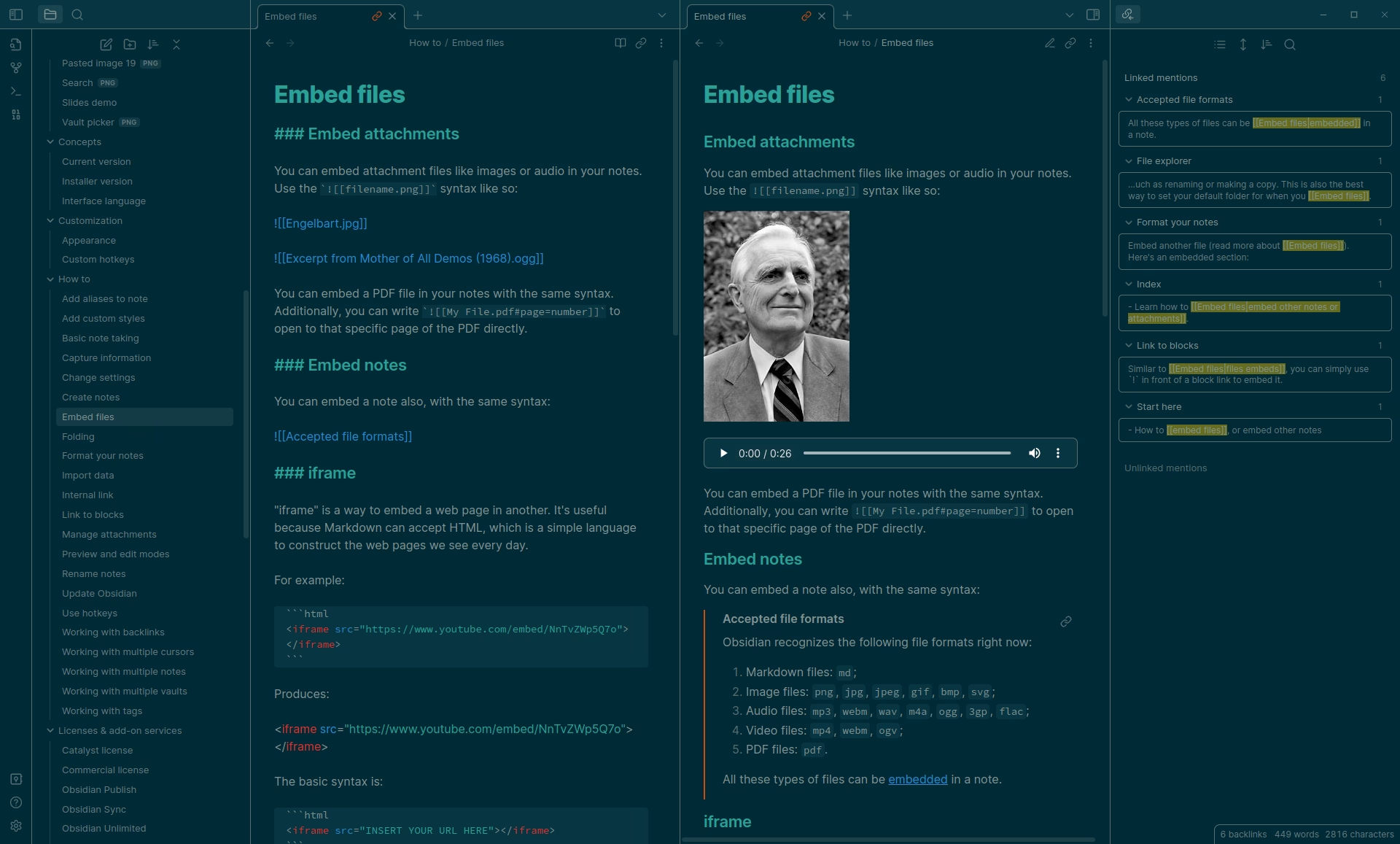
Ethan Schoonover's precision-engineered Solarized color scheme for Obsidian. Designed with both readability and reduced eye strain in mind.
Overview
Ethan Schoonover's precision-engineered Solarized color scheme for Obsidian. Designed with both readability and reduced eye strain in mind.
How to Install Solarized
- 1In Obsidian, open Settings → Appearance.
- 2Under Themes, click Manage and then Browse.
- 3Search for Solarized, then click Install and use.
- 4Optionally install the Style Settings plugin to customize it.
Details
- Modes
- Dark & Light
Related Obsidian Themes
Dracula Official
The official Dracula theme port. A dark theme with iconic purple, pink, green, and cyan accent colors beloved by developers worldwide.
Sanctum
An elegant, warm theme designed for long reading and writing sessions. Beautiful typography, comfortable contrast, and a refined aesthetic.
Atom
Inspired by Atom's One Dark theme. A developer-friendly color scheme with familiar syntax highlighting and comfortable contrast.
Everforest
A comforting, nature-inspired green color scheme based on the popular Everforest palette. Easy on the eyes for long editing sessions.
Explore more Obsidian resources
Discover more plugins, themes, templates, and starter vaults to build your perfect Obsidian setup.